TakeAvatar — AI Video Generation
Generate videos from text, images, or reference inputs. Jobs run asynchronously and can be downloaded when ready.
See estimated credits before you submit • Results appear in your history
Text / Image / ReferenceChoose your input
Pick a mode and start generation. Results are available in the tool page when ready.
Everything You NeedPowerful features to create amazing videos
Discover the tools and features that make video creation easy and fun
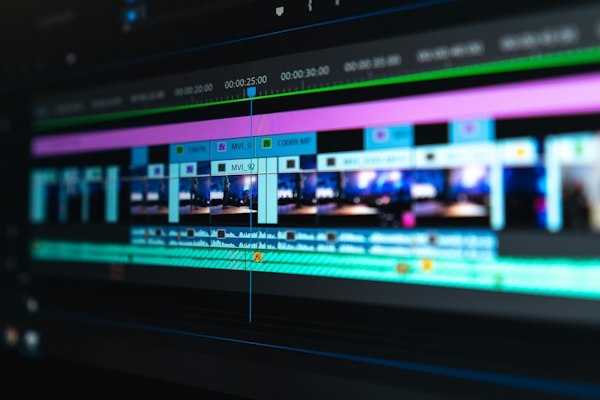
Text to Video
Transform your text prompts into stunning videos using advanced AI models

Image to Video
Animate your images and bring them to life with AI video generation

Reference to Video
Guide generation with reference input and a prompt
Asynchronous Processing
Run generations in the background and come back to download when ready
Secure & Private
Your data is encrypted and videos are stored securely
Status Updates
Track job status in the tool page and download when ready
Ready to transform your ideas into videos?
How It WorksInput → generation → download
A clear flow from prompt to downloadable result.
Describe Your Video
Enter a detailed text prompt describing the video you want to create
Upload Reference
Optionally add a reference image to guide the AI (optional)
AI Generates
Your request is processed and a result is generated in the background
Download & Share
Download the result when it is ready
Start generating with TakeAvatar
A conservative, review-friendly experience: no sample videos, clear policies, and direct access to tools.
- Three modes: Text/Image/Reference → Video
- Runs asynchronously; check status and downloads in the tool page
- Estimated credits are visible before you submit
- Terms, Privacy, Refund, and Content Policy are publicly accessible
Need help?
Contact support and include your account email and any relevant order/job IDs.
Typical response within 24–48 hours.
Frequently Asked Questions
Usage, billing, refunds, privacy, and compliance.
Still have questions? Contact us at[email protected]
